
Phygital Retail Design in 2026: How Fashion, Interior and Graphic Designers Are Transforming Shopping Experiences
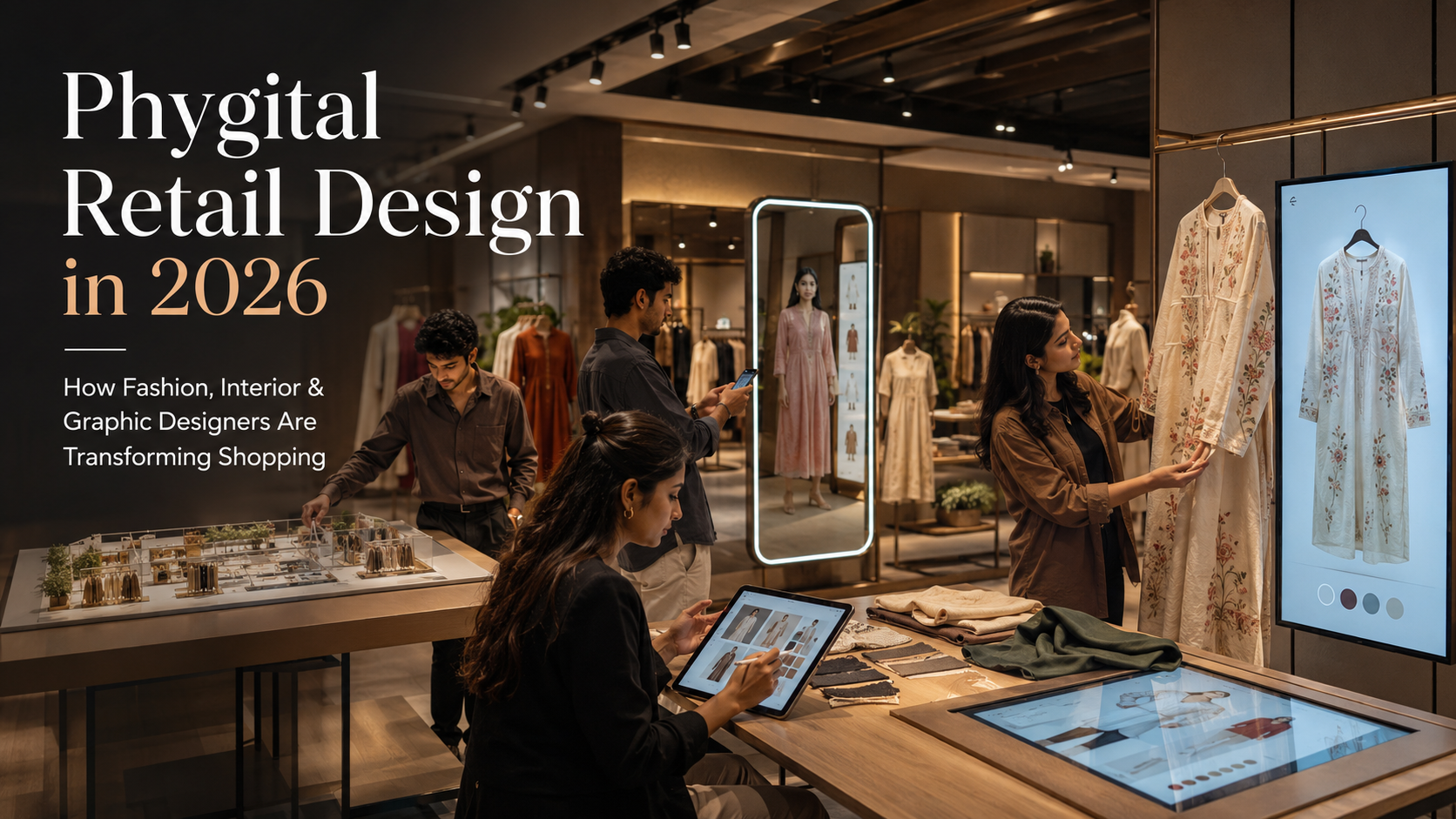
Shopping is no longer divided into two separate worlds: physical stores and online websites.
A customer may discover a fashion collection through social media, compare products on a mobile app, visit a store to examine the material, scan a QR code for additional information, use a virtual try-on tool, pay digitally and request home delivery.
This connected journey is commonly described as phygital retail—a blend of physical and digital retail experiences.
Phygital design does not mean placing digital screens throughout a store without a clear purpose. It means using technology, spatial planning, visual communication and customer research to make shopping more convenient, informative, personalised and memorable.
Industry discussions for 2025 and beyond identify blended physical-digital journeys, immersive stores, mobile-supported shopping, virtual experiences and flexible fulfilment as important retail directions.
For design students, phygital retail creates an exciting area of collaboration.
A fashion designer may develop products for virtual try-on. An interior designer may plan the physical store and customer journey. A graphic or UI/UX designer may create the digital interface, wayfinding, product information and visual identity.
The most successful experience emerges when all these elements work together.
What Is Phygital Retail?
The word “phygital” combines physical and digital.
In retail, it refers to shopping experiences in which physical spaces, products, staff and human interaction connect smoothly with digital tools such as:
- Mobile applications
- QR codes
- Interactive displays
- Augmented reality
- Virtual try-on systems
- Smart mirrors
- Digital product catalogues
- Self-service kiosks
- Mobile payments
- Click-and-collect services
- Digital loyalty programmes
- Personalised recommendations
- Real-time inventory information
A phygital store allows customers to move between online and offline channels without feeling that they are dealing with unrelated systems.
For example, a customer may save a jacket through a brand’s mobile application and later find the same item waiting in a physical fitting room. If the required size is unavailable in the store, the customer may order it through an interactive display and have it delivered home.
The technology is useful because it solves a real problem. It does not exist only to make the store appear futuristic.
Phygital Retail vs Omnichannel Retail
Phygital and omnichannel retail are closely related, but they are not identical.
Omnichannel Retail
Omnichannel retail connects multiple purchasing and communication channels, such as:
- Website
- Mobile application
- Physical store
- Social media
- Customer support
- Marketplace
- Home delivery
- Click and collect
The objective is to provide a consistent customer journey across these channels.
Phygital Retail
Phygital retail focuses more specifically on blending digital tools with physical environments and products.
Examples include:
- Scanning a product inside a store
- Using an AR mirror in a fitting area
- Viewing online ratings beside a physical product
- Customising a garment through a digital interface
- Entering a virtual showroom from a retail store
- Connecting a physical product to a digital identity
A retailer may be omnichannel without offering a particularly immersive phygital experience. However, effective phygital retail usually depends on strong omnichannel coordination.
Why Is Phygital Retail Important in 2026?
Customers have become comfortable using smartphones to research, compare and purchase products. At the same time, physical stores remain valuable because they allow people to touch materials, test products, try clothing, receive human assistance and enjoy a social experience.
This has created a new expectation: customers want the convenience of digital commerce without losing the sensory and human advantages of physical retail.
Shopify’s analysis of omnichannel trends highlights in-store smartphone use, immersive experiences, virtual shopping, flexible fulfilment and digitally native brands entering physical retail as continuing directions.
Research published in 2025 also examined how brands and stakeholders are developing strategies across physical, digital and combined phygital retail environments.
The physical store is therefore not necessarily disappearing. Its role is changing.
Instead of functioning only as a place where products are stored and sold, a store may become:
- A showroom
- A product-testing space
- A brand-experience centre
- A customisation studio
- A community venue
- A service centre
- A content-creation location
- A fulfilment point
- A workshop or event space
This shift requires designers who understand both physical and digital experience.
The Main Elements of a Phygital Retail Experience
1. A Connected Customer Journey
Phygital retail should be designed as one complete journey rather than a collection of separate technologies.
A typical journey might include:
- Discovering the brand through social media
- Visiting the website
- Checking product availability
- Booking a store appointment
- Receiving directions through a mobile application
- Entering the store
- Scanning products for information
- Trying physical or virtual alternatives
- Receiving staff assistance
- Paying through a preferred method
- Choosing collection or delivery
- Accessing after-sales support digitally
Every stage should feel connected.
A customer should not have to repeatedly create accounts, search for the same product or provide the same information to different channels.
Design students can map this journey visually to identify where confusion, delay or unnecessary effort occurs.
2. Physical Store Design
Technology cannot compensate for poor spatial planning.
The store still needs:
- Clear circulation
- Comfortable product access
- Good lighting
- Logical zoning
- Accessible fitting areas
- Seating
- Effective product display
- Comfortable temperature
- Acoustic control
- Visible service points
- Inclusive access
Digital tools should be integrated into the environment instead of blocking circulation or competing visually with the products.
An interactive screen placed in a narrow walkway may create congestion. A smart mirror positioned under harsh lighting may make clothing colours appear inaccurate. A self-service kiosk that is too high may be difficult for children, wheelchair users or shorter customers.
The interior designer must consider the technology as part of the spatial system.
3. Digital Interfaces
The digital layer may include:
- Store application
- Product scanner
- Digital catalogue
- Self-checkout screen
- Smart fitting-room interface
- Interactive map
- Loyalty dashboard
- Product customisation tool
- Virtual try-on experience
These interfaces should be:
- Easy to understand
- Visually consistent with the brand
- Accessible
- Responsive
- Fast
- Available in relevant languages
- Clear about privacy and permissions
- Simple to exit or restart
A visually impressive interface is not successful if customers require staff assistance to understand every step.
4. Product Information
Physical packaging and display space are limited. Digital systems can provide additional information without overcrowding the store.
A customer might scan a garment to view:
- Available sizes
- Alternative colours
- Fabric composition
- Care instructions
- Styling suggestions
- Stock availability
- Customer reviews
- Manufacturing information
- Sustainability details
- Delivery options
- Related accessories
However, essential information should not be available only through a smartphone. Customers without a compatible device, internet connection or interest in scanning should still be able to make an informed purchase.
Phygital design should increase choice rather than create a new barrier.
5. Human Interaction
Phygital retail does not necessarily replace staff.
Technology can handle repetitive tasks while allowing employees to focus on:
- Styling advice
- Product knowledge
- Personal consultation
- Complex service requests
- Customisation
- Customer reassurance
- Problem-solving
Some customers prefer independent shopping, while others value expert assistance.
A strong retail design supports both preferences.
Digital systems should make staff more informed and responsive instead of forcing customers to interact only with machines.
Augmented Reality in Retail Design
Augmented reality, commonly known as AR, places digital information or objects within a view of the physical world.
In retail, AR may allow customers to:
- Try glasses virtually
- Preview makeup shades
- See furniture inside their home
- Test accessories
- Explore different product colours
- View garment styling options
- Access interactive product information
Google’s ARCore platform supports the creation of immersive experiences across Android, iOS, web and other development environments, demonstrating how AR tools can be integrated into broadly available consumer devices.
Shopify also identifies virtual try-on and virtual showrooms among common applications of AR in shopping.
Benefits of AR
AR may help customers:
- Understand scale
- Compare alternatives
- Explore products not physically stocked
- Make decisions with greater confidence
- Personalise an item
- Share a potential purchase
- Reduce unnecessary product handling
Limitations of AR
Designers should also recognise its limitations.
Virtual representation may be affected by:
- Camera quality
- Screen colour
- Lighting
- Body tracking
- Product-model accuracy
- Device performance
- Internet speed
- User confidence
- Privacy concerns
A virtual garment overlay may suggest styling, but it may not communicate actual fabric weight, comfort or fit.
AR should be presented as a decision-support tool rather than a guaranteed replacement for physical evaluation.
Virtual Try-On for Fashion Retail
Virtual try-on is particularly relevant to fashion, beauty and accessories.
A customer may use a phone, website camera or smart mirror to preview:
- Eyewear
- Jewellery
- Makeup
- Shoes
- Garment colours
- Silhouettes
- Accessories
A 2026 study examined AR try-ons as a technology supporting customer decision-making within phygital retail environments, showing that this area continues to attract academic as well as commercial interest.
For fashion designers, virtual try-on creates new technical requirements.
Digital products need accurate:
- Silhouettes
- Colour values
- Surface details
- Proportions
- Pattern placement
- Garment views
- Material behaviour
- Size information
A poorly prepared digital garment can misrepresent the physical product and reduce trust.
Fashion students may therefore need to understand how physical garment design connects with 3D modelling, digital sampling and interface presentation.
Smart Mirrors and Fitting Rooms
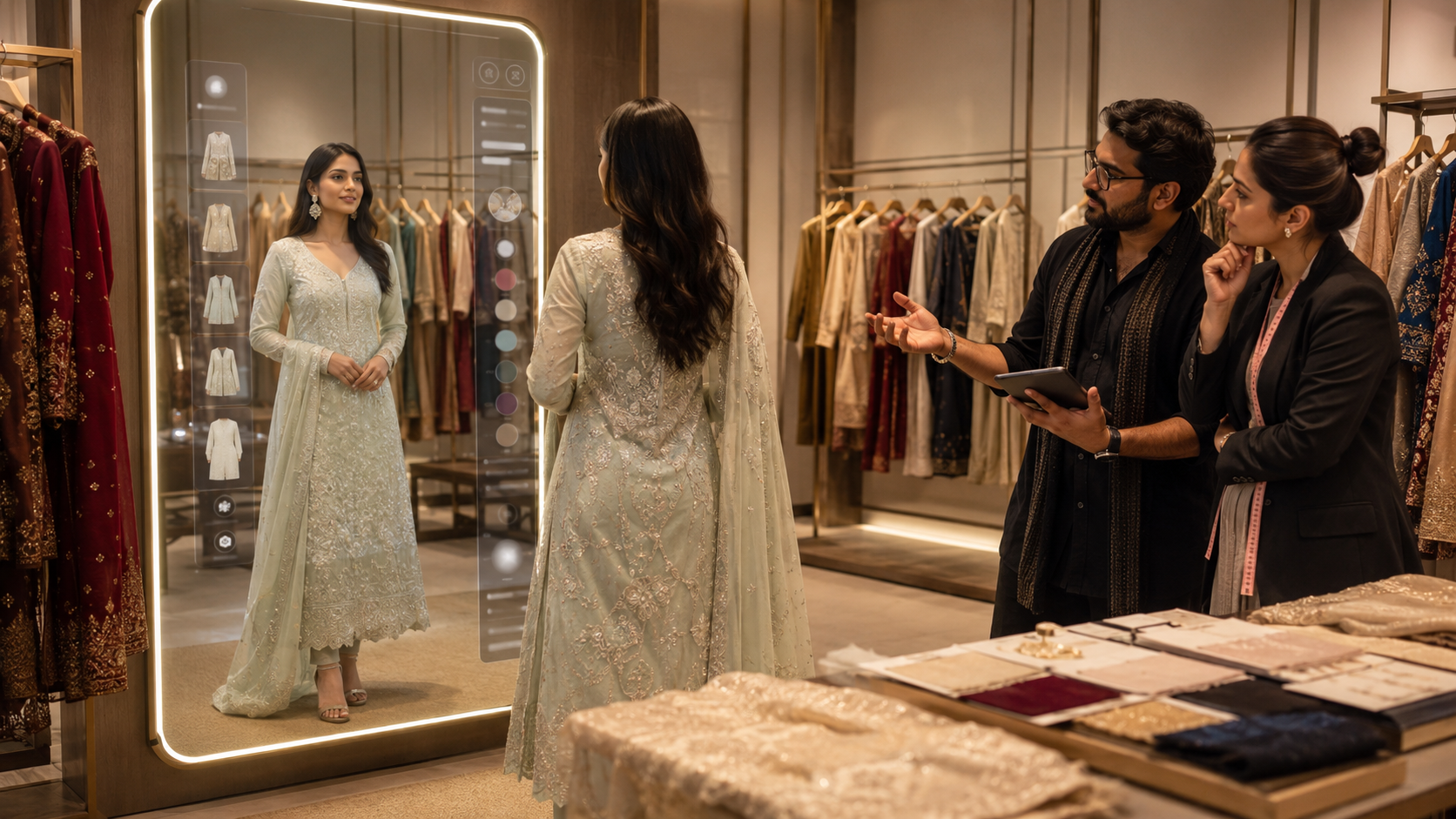
A smart mirror may provide digital features alongside the customer’s reflection.
Depending on the system, it might allow users to:
- Request another size
- Compare colours
- View styling ideas
- Check product information
- Contact staff
- Save selected products
- Add items to a digital basket
The fitting room remains a sensitive and private area. Technology should not make customers feel observed or pressured.
Designers should consider:
- Clear consent
- Camera visibility
- Privacy information
- Simple controls
- Comfortable lighting
- Accessible screen position
- A non-digital alternative
- Easy staff assistance
- Secure handling of images and data
A smart fitting room should improve convenience without reducing dignity.
QR Codes and Connected Packaging
QR codes are among the simplest ways to connect a physical product with digital content.
They can link customers to:
- Product origin
- Care guides
- Styling videos
- Authentication
- Assembly instructions
- Warranty registration
- Reordering
- Recycling information
- Brand stories
- Loyalty benefits
However, simply adding a QR code does not create a good phygital experience.
The designer should clarify:
- Why the customer should scan it
- What information will open
- Whether the page is mobile-friendly
- Whether an internet connection is required
- Whether the link will remain active
- Whether the customer can access the information another way
Avoid unexplained QR codes that lead to generic homepages.
The physical design should provide a clear reason, such as “Scan for care instructions” or “View available colours.”
Interactive Displays and Endless Aisles
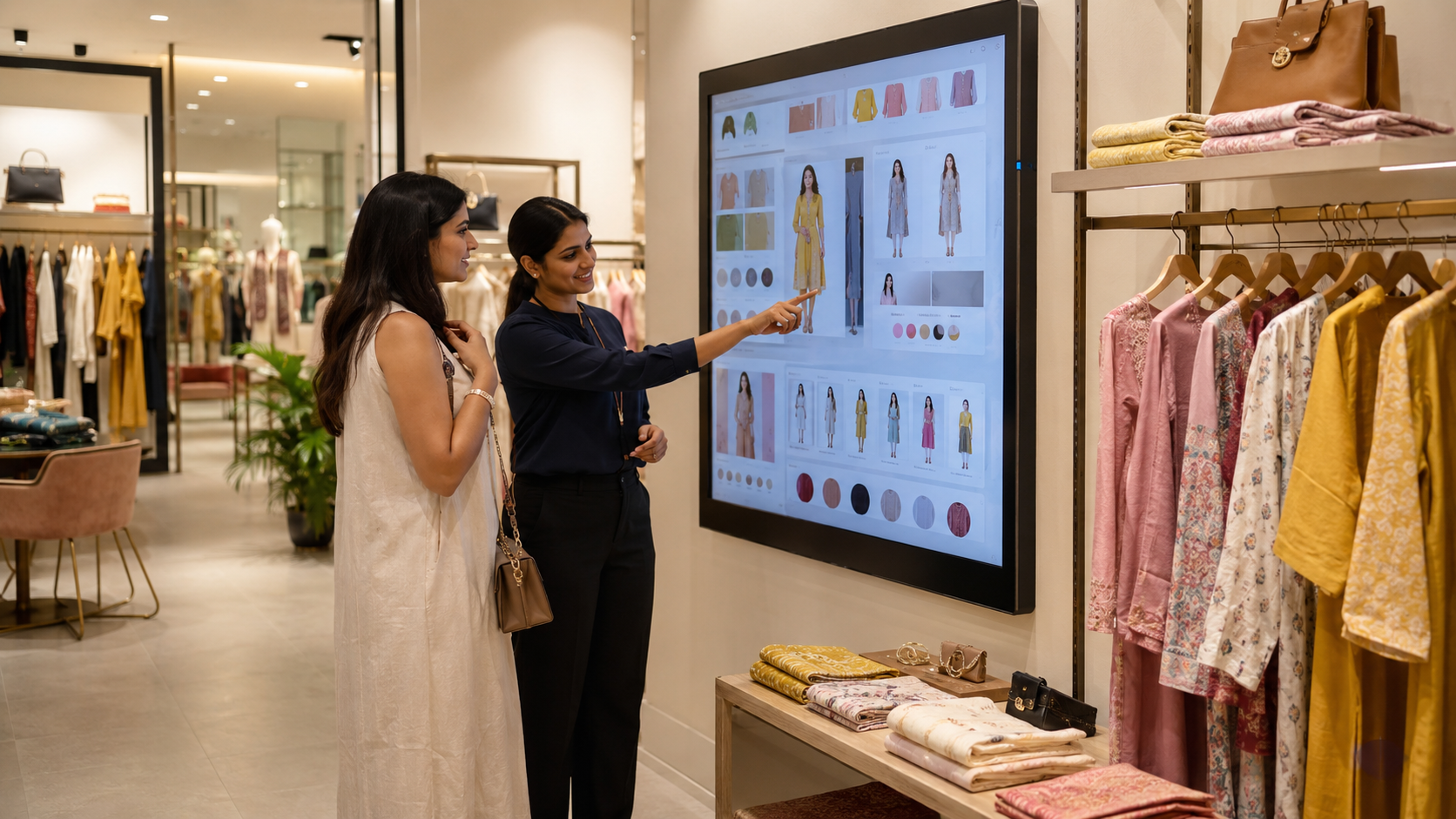
Physical stores cannot stock every product, size and colour.
An “endless aisle” system allows customers to explore inventory beyond what is available on the shop floor.
An interactive display may show:
- Additional sizes
- Online-only products
- Other store availability
- Product variations
- Delivery timelines
- Complementary items
This can help smaller stores offer a broader catalogue without filling the space with excessive stock.
The display should not feel like a standard website placed on a large screen.
Its interface should account for:
- Standing use
- Viewing distance
- Touch accuracy
- Public visibility
- Short interaction time
- Multiple users
- Easy resetting
- Accessibility
- Staff support
Large screens require different design decisions from personal mobile devices.
Mobile-Supported Shopping
A customer’s smartphone may function as:
- Store map
- Product scanner
- Digital wallet
- Loyalty card
- Shopping list
- Appointment tool
- Customer-support channel
- Delivery tracker
Mobile support can reduce waiting and provide personalised information.
However, stores should avoid forcing customers to download a large application for a single basic task.
A browser-based experience, QR-linked interface or optional guest mode may create less friction.
Designers should also consider customers with:
- Limited mobile storage
- Slow internet
- Low battery
- Older devices
- Accessibility requirements
- Privacy concerns
The best solution is not always the most technologically complex one.
Phygital Visual Merchandising
Traditional visual merchandising uses:
- Window displays
- Mannequins
- Product grouping
- Signage
- Lighting
- Colour
- Props
- Store layout
Phygital visual merchandising adds digital elements such as:
- Projection
- Motion graphics
- Interactive screens
- AR content
- Digital price displays
- Social-media integration
- Responsive installations
- Live product information
The physical and digital layers should tell the same brand story.
For example, a sustainable fashion collection might use:
- Recycled physical display materials
- Clear garment-origin information
- A digital map showing production stages
- Repair and resale information
- Styling videos
- A collection point for used garments
The technology should support the brand message instead of becoming visual noise.
Role of Fashion Designers in Phygital Retail
Fashion designers contribute more than garments.
They may help develop:
- Products suitable for digital visualisation
- Virtual collections
- Digital samples
- Customisable garments
- Smart fitting experiences
- Styling content
- Limited-edition physical-digital products
- Clear product data
- Connected labels
- Sustainable care and repair journeys
Fashion students should learn to document garments accurately through:
- Technical drawings
- Front and back views
- Fabric details
- Measurements
- Colour specifications
- Construction information
- Digital assets
These details support both physical production and digital presentation.
Role of Interior Designers
Interior designers shape the physical environment in which phygital interaction takes place.
Their responsibilities may include:
- Customer-flow planning
- Technology placement
- Display design
- Lighting
- Acoustics
- Accessibility
- Fitting-room design
- Service zones
- Power and data coordination
- Flexible furniture
- Event areas
- Material selection
They must coordinate with:
- Technology teams
- Retail managers
- Visual merchandisers
- Graphic designers
- Lighting consultants
- Mechanical and electrical specialists
- Brand teams
A digital feature should be considered early enough to integrate cables, power, ventilation, maintenance access and user space.
Role of Graphic and UI/UX Designers
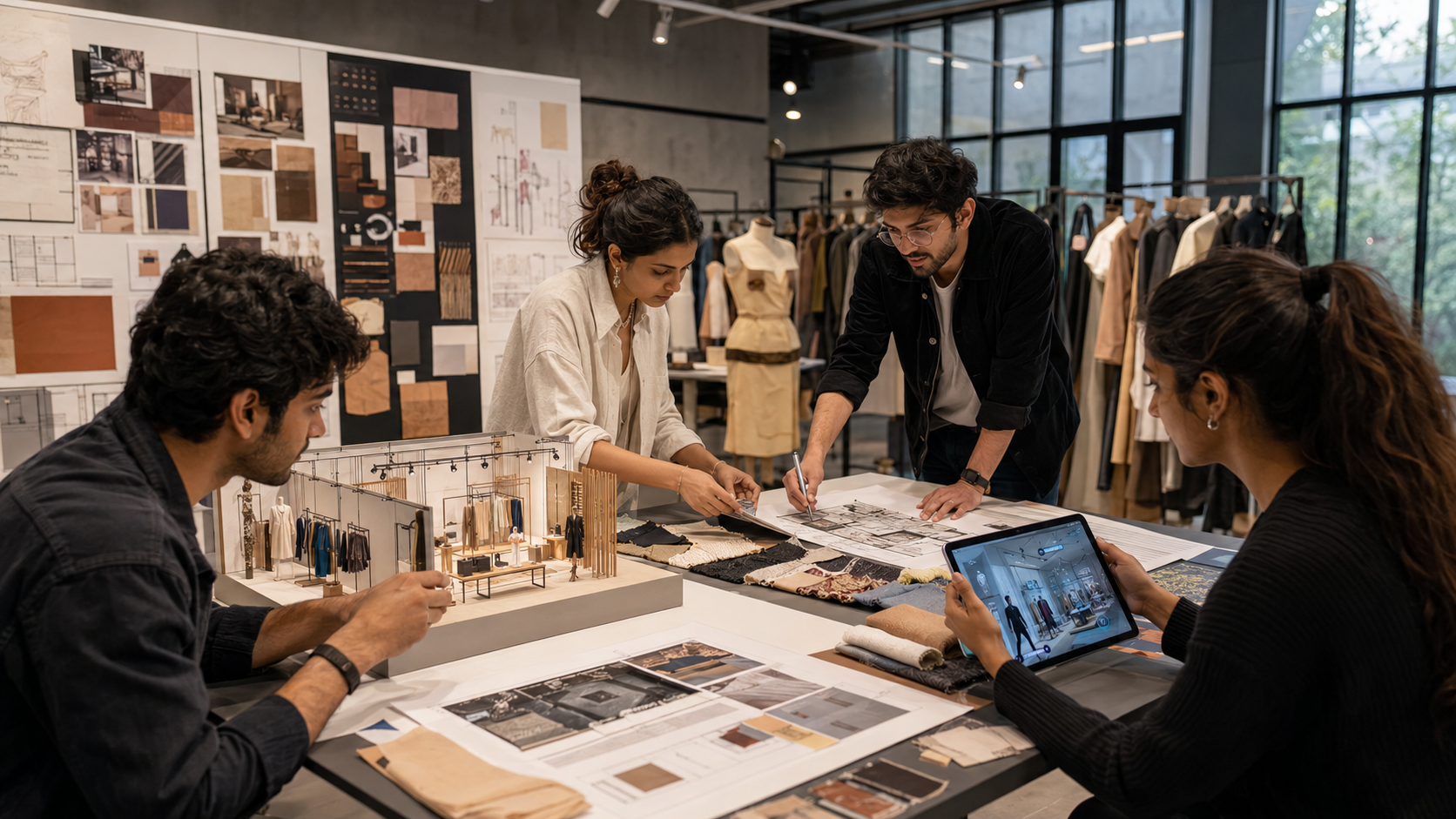
Graphic and UI/UX designers connect brand communication with customer interaction.
They may design:
- Store signage
- Digital interfaces
- Mobile applications
- Kiosk screens
- Wayfinding
- Motion graphics
- QR-code journeys
- Digital product cards
- Loyalty systems
- Interactive catalogues
- Self-checkout flows
- Error and help states
They should ensure that visual identity remains consistent across:
- Store
- Website
- Application
- Packaging
- Social media
- Digital display
- Customer communication
Consistency does not mean copying the same layout onto every surface. Each format requires appropriate adaptation.
Designing a Seamless Customer Journey
A phygital journey should reduce friction rather than introduce unnecessary steps.
Before the Store Visit
Customers may need:
- Accurate store information
- Product availability
- Appointment booking
- Directions
- Accessibility details
- Event information
- Saved wish lists
At the Store Entrance
The environment should clearly communicate:
- Where to begin
- Whether digital tools are optional
- Where assistance is available
- How departments are organised
- Current services or experiences
During Product Discovery
Customers may use:
- Physical displays
- Digital search
- Staff advice
- Product scanning
- AR
- Reviews
- Comparison tools
During Decision-Making
The store should support:
- Trying
- Testing
- Comparing
- Saving
- Sharing
- Customising
- Checking availability
At Checkout
Customers may prefer:
- Staff-assisted billing
- Self-checkout
- Mobile payment
- Online purchase
- Home delivery
- Store collection
After Purchase
The digital journey may continue through:
- Delivery tracking
- Care instructions
- Repair booking
- Returns
- Loyalty benefits
- Product authentication
- Resale or recycling
The designer should map all stages rather than focusing only on the most visually exciting interaction.
Accessibility in Phygital Retail
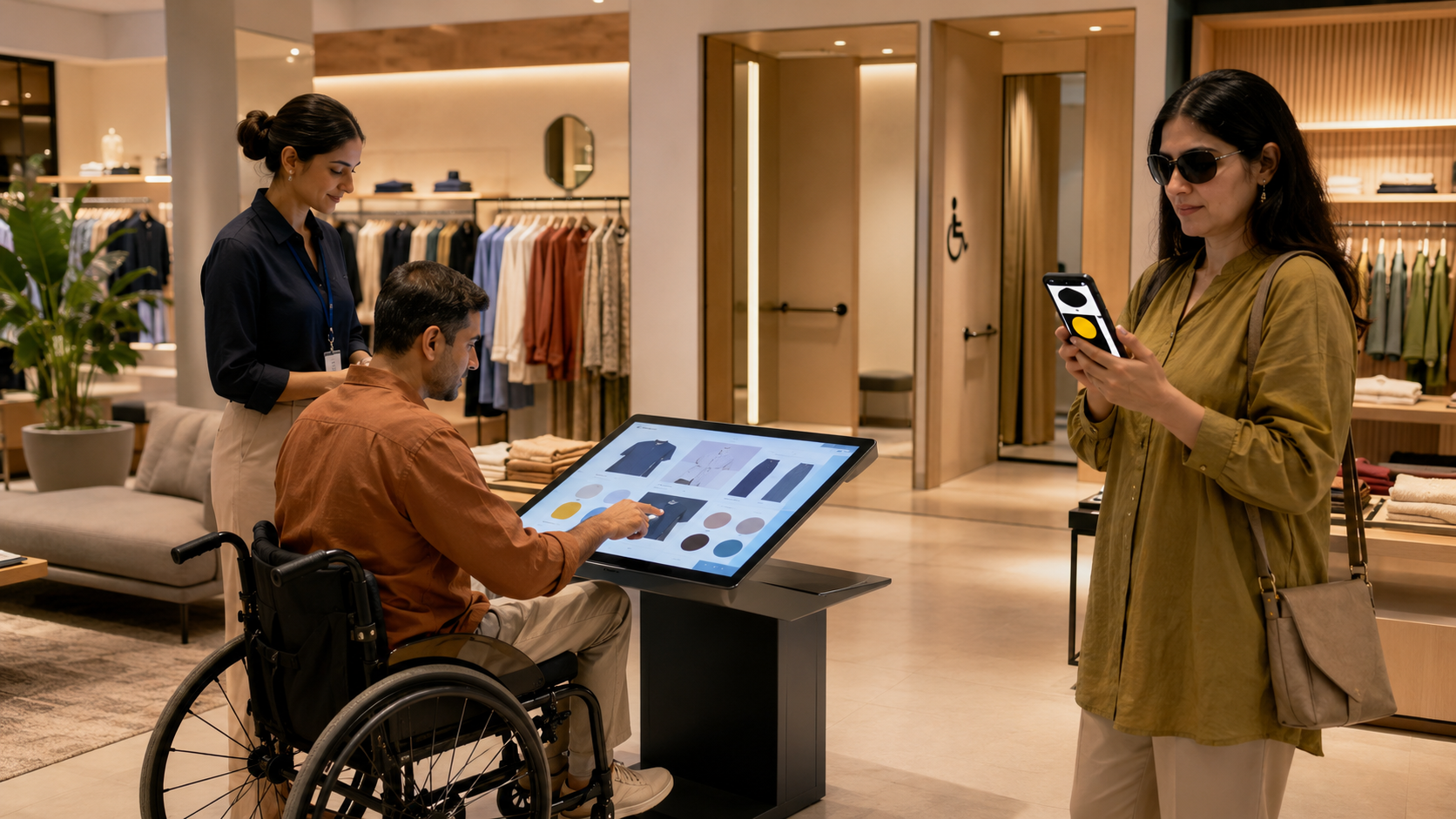
Technology should not make retail less accessible.
Designers should consider people who may:
- Use a wheelchair
- Have low vision
- Be colour-blind
- Be deaf or hard of hearing
- Have limited hand movement
- Experience cognitive overload
- Use screen readers
- Prefer not to use smartphones
- Need additional processing time
Accessible phygital design may include:
- Adjustable screen heights
- Keyboard or physical-button alternatives
- Captions
- High-contrast interfaces
- Readable typography
- Audio support
- Clear instructions
- Adequate touch targets
- Staff assistance
- Non-digital alternatives
- Accessible fitting rooms
- Unobstructed circulation
An experience should not require a specific physical ability or expensive device unless an equivalent alternative is available.
Privacy and Responsible Personalisation
Phygital systems may collect data such as:
- Product views
- Store movement
- Purchase history
- Fitting preferences
- Saved sizes
- Location
- Camera input
- Loyalty activity
Personalisation may improve relevance, but customers should understand:
- What information is collected
- Why it is needed
- How it will be used
- Whether it will be stored
- How consent can be withdrawn
Designers should avoid hidden or confusing permission requests.
A customer should not be required to surrender unnecessary personal information simply to check a product’s available sizes.
Trust is part of the user experience.
Sustainability and Phygital Retail
Phygital retail may support sustainability when it is used thoughtfully.
Potential benefits include:
- Digital sampling
- Reduced need for printed catalogues
- Better inventory visibility
- Made-to-order products
- Repair instructions
- Product traceability
- Resale support
- More accurate product selection
- Digital receipts
However, digital technology also has environmental impacts.
Screens, sensors and devices require:
- Energy
- Hardware
- Maintenance
- Replacement
- Data infrastructure
- Electronic-waste planning
A sustainable phygital strategy should ask whether the technology provides enough long-term value to justify its material and energy use.
A simple, durable solution may be more responsible than a large interactive installation that quickly becomes outdated.
Common Phygital Retail Design Mistakes
Adding Technology Without a Clear Purpose
A screen should solve a customer or business problem.
Creating Separate Physical and Digital Identities
Customers should recognise the same brand across the store, website and application.
Ignoring Staff Training
Employees need to understand how the system works and what to do when it fails.
Requiring an Application for Every Interaction
Customers should have low-friction alternatives.
Designing Only for New Smartphones
Experiences should work across a reasonable range of devices.
Overloading the Store with Screens
Too many digital elements can distract from products and increase visual fatigue.
Ignoring Privacy
Camera-based experiences require clear consent and responsible data handling.
Removing Human Assistance
Automation should not leave customers unsupported.
Failing to Plan Maintenance
Broken screens and outdated links damage trust.
Forgetting Accessibility
Digital convenience for some users should not create barriers for others.
A Student Process for Designing a Phygital Store
Step 1: Select a Retail Category
Choose a clear category such as:
- Fashion
- Beauty
- Furniture
- Home décor
- Jewellery
- Footwear
- Books
- Electronics
- Sustainable products
- Indian crafts
Step 2: Define the Customer
Identify:
- Age group
- Shopping habits
- Technology confidence
- Budget
- Accessibility needs
- Reasons for visiting the store
- Online behaviour
- Expectations from staff
Avoid designing for a vague “modern customer.”
Step 3: Map the Existing Journey
Record each stage from discovery to after-sales support.
Identify:
- Waiting
- Confusion
- Repetition
- Missing information
- Stock limitations
- Checkout delays
- Difficult returns
- Accessibility barriers
Step 4: Identify the Right Digital Intervention
Do not begin by deciding to use AR or smart mirrors.
First define the problem.
For example:
Problem: Customers cannot see all available furniture finishes in a small showroom.
Possible solution: An interactive material catalogue and AR room-preview experience.
Step 5: Develop the Physical Layout
Plan:
- Entrance
- Display
- Digital touchpoints
- Fitting or testing zones
- Staff support
- Checkout
- Collection
- Seating
- Accessibility
- Circulation
Step 6: Design the Interface
Create:
- User flow
- Wireframes
- Screen hierarchy
- Buttons
- Product cards
- Error states
- Help options
- Accessibility states
- Confirmation screens
Step 7: Connect the Brand Identity
Coordinate:
- Colour
- Typography
- Materials
- Graphics
- Photography
- Motion
- Tone of voice
- Packaging
- Uniforms
Step 8: Prototype the Experience
Students may build:
- Scale model
- Full-size retail corner
- Interactive screen prototype
- Mobile flow
- AR concept
- Smart-mirror simulation
- Signage system
- Customer-journey video
Step 9: Conduct User Testing
Ask participants to complete tasks such as:
- Find a product
- Check another size
- Compare options
- Request assistance
- Complete checkout
- Arrange delivery
Observe where they hesitate instead of explaining every step.
Step 10: Improve the Design
Document:
- What worked
- What confused users
- Which technology was unnecessary
- Which physical changes were required
- How accessibility improved
- How the final solution changed
Phygital Retail Portfolio Project Ideas
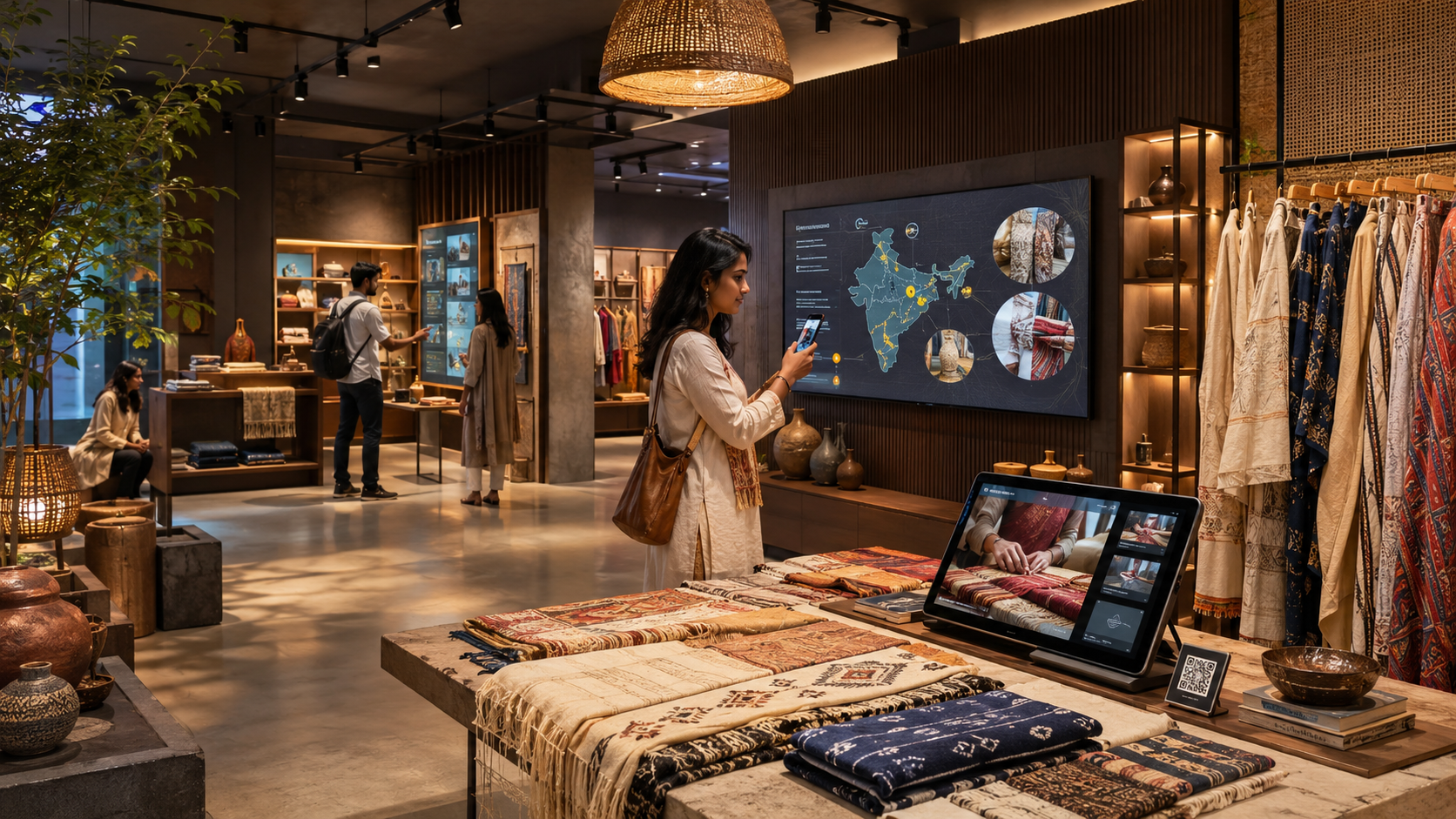
Students can develop projects such as:
- AR-enabled fashion boutique
- Smart sustainable-fashion store
- Interactive Indian craft showroom
- Phygital furniture studio
- Beauty store with virtual product preview
- Digital jewellery consultation space
- Smart fitting-room experience
- Sneaker customisation store
- Connected textile exhibition
- Phygital bookstore and reading café
- Retail pop-up linked to a mobile experience
- Circular-fashion repair and resale hub
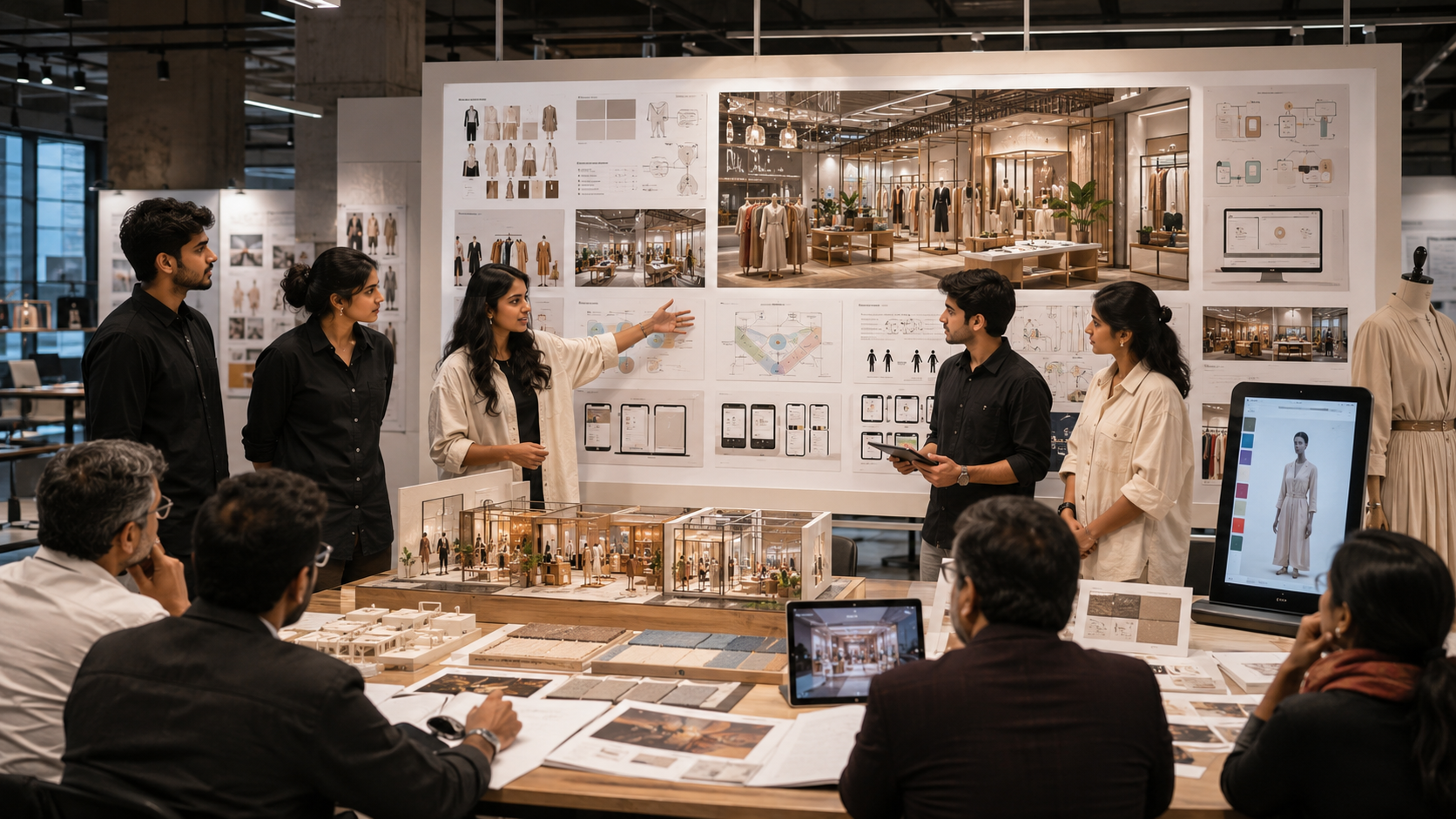
A strong portfolio presentation may include:
- Market research
- Customer persona
- Journey map
- Problem statement
- Store zoning
- Material palette
- Brand identity
- Interface wireframes
- Digital prototype
- Accessibility plan
- Service blueprint
- User-testing results
- Final visualisation
Career Opportunities in Phygital Retail Design
Phygital design skills may support careers in:
- Retail Interior Design
- Visual Merchandising
- Fashion Communication
- UI/UX Design
- Experience Design
- Spatial Branding
- Service Design
- Retail Technology Design
- Exhibition Design
- Digital Product Design
- Brand Experience Design
- AR Content Design
- Retail Strategy
- Design Research
Designers who understand multiple disciplines may become especially valuable because phygital projects require coordination between physical space, technology, products and communication.
The Future of Phygital Retail
The next generation of retail may include:
- More accurate virtual try-on
- Responsive store environments
- Personalised digital displays
- Connected product passports
- Smart shelves
- Voice-supported shopping
- Mixed-reality showrooms
- Virtual consultations
- On-demand customisation
- Community-focused stores
- Repair and circularity services
- Smaller stores connected to larger digital inventories
However, the future of retail should not be measured by the amount of technology installed.
The most successful stores will use technology selectively to improve:
- Convenience
- Confidence
- Discovery
- Accessibility
- Service
- Personalisation
- Brand connection
Human needs should remain at the centre of the experience.
Why Design Students Should Learn Phygital Retail
Phygital retail teaches students to think beyond one discipline.
It develops skills in:
- Customer research
- Space planning
- Visual identity
- Interface design
- Fashion communication
- Technology integration
- Accessibility
- Prototyping
- Collaboration
- Service design
- Storytelling
- Business understanding
A phygital project also encourages students to evaluate whether an idea is genuinely useful.
Instead of asking only:
“Which new technology can we add?”
A designer should ask:
- What problem does the customer face?
- Can spatial design solve it?
- Can digital design make it easier?
- Is human assistance more appropriate?
- Is the experience accessible?
- Does the technology support the brand?
- What happens when the system fails?
These questions create more responsible and effective design.
Conclusion
Phygital retail is changing the way physical stores, digital platforms and products work together.
Customers increasingly move between social media, websites, mobile devices, stores, digital payments and delivery services as part of one shopping journey. Retail designers must therefore create experiences that remain consistent, convenient and understandable across every touchpoint.
Fashion designers contribute products, styling and digital garment information. Interior designers shape the physical environment and customer movement. Graphic and UI/UX designers create the identity, interfaces, signage and digital interactions.
The goal is not to replace physical retail with screens or remove human interaction through automation.
The goal is to combine the strengths of both worlds: the convenience and information of digital shopping with the material, sensory and social experience of a physical store.
For design students, phygital retail offers an opportunity to work across disciplines and create shopping experiences that are more useful, inclusive and memorable.
The future of retail will not be entirely physical or entirely digital.
It will be designed around the moments where both experiences meet.